
-
 Violet Picks
-
Digital Printing
-
Designs on T-Shirts
-
Digital Games
-
Digital Books
-
Templates and designs
-
Courses
-
Software
-
Graphic Design
-
Brochures and Tables and Reminders
-
Digital Arts
-
Fonts and Typography
-
Other Digital Products
-
Graphics and illustrators
-
Children's activities and schools
-
Subscriptions
-
Coloring Books
-
Car Photography
-
Astrophotography
-
3D Printing Files
-
The podcast and the broadcasting







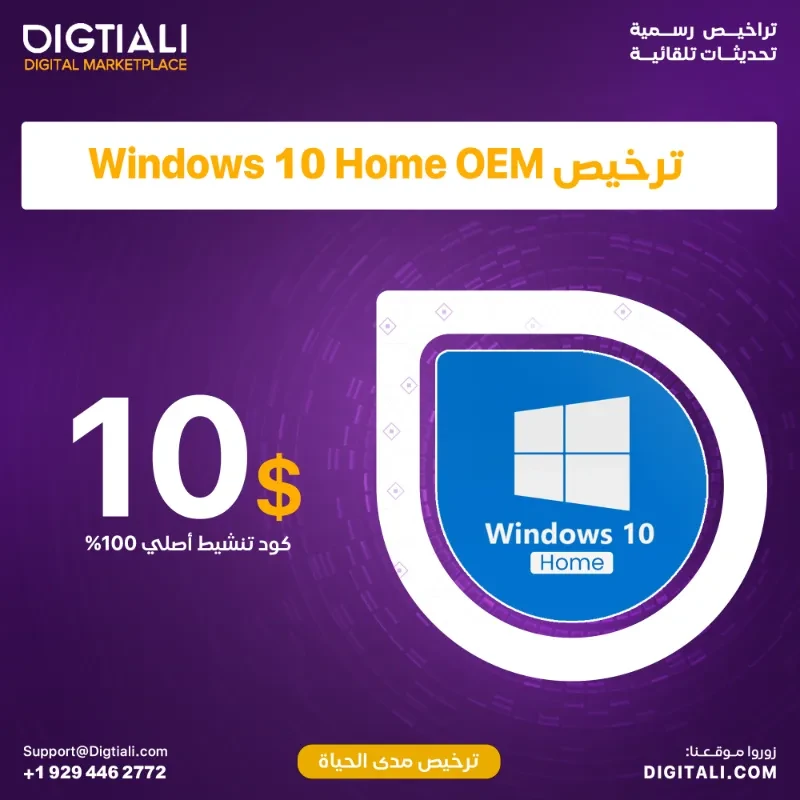
Genuine Windows 10 Home OEM lifetime license
(0
reviews)
In stock
Categories
Sold by
Digtiali
Price
136.32
Seller Guarantees
Verified seller
Share

Top Selling Products
-
24.78




Reviews & Ratings
0
out of 5.0
(0
reviews)
There have been no reviews for this product yet.
Welcome to our comprehensive guide to Windows 10 Home licensing. We will discuss everything you need to know about this license, from its definition and importance, to how to obtain and activate it, to its advantages and available technical support.
What is a Windows 10 Home license?
Definition and importance
The Windows 10 Home license is an official license from Microsoft that allows the user to use the Windows 10 Home operating system legally and safely. This license guarantees you access to the latest features and security updates.
Differences between licensed and unlicensed copies
Licensed versions provide better protection against security threats, and support automatic updates. While unlicensed copies may expose the device to danger and may not have all the features.
How to get a Windows 10 Home license
Purchase from our website
You can purchase the license directly from our website or through their official store.
Purchase licenses from authorized vendors
Licenses can also be purchased from approved and trusted vendors to ensure obtaining an original and supported copy.
Install and activate
Installation steps
Windows 10 Home can be easily installed through ISO file or official installation media.
Activation process
After installation, the license must be activated using the official key to ensure full access to all features.
Advantages and functions
Safety and protection
Windows 10 Home license provides advanced security levels and protection against malware.
Compatibility and performance
The license guarantees the best system performance and compatibility with the latest software and applications.
Technical support and updates
With a Windows 10 Home license, you get direct technical support from Microsoft and periodic system updates.
Windows 10 Home licensing FAQ
1. Is it possible to upgrade the old version to Windows 10 Home?
Yes, this is possible if the appropriate license is available.
2. What is the difference between Windows 10 Home and other versions?
Windows 10 Home offers advanced security and management features compared to the basic editions.
3. Can the same license be used on more than one device?**
It depends on the type of license purchased.
4. What happens if I don't activate Windows 10 Home?**
You may not have access to all features and may encounter security issues.
5. Can a Windows 10 Home license be purchased from outside Microsoft?**
Yes, but you must make sure to buy it from a reliable and approved seller.
Conclusion
A Windows 10 Home license is essential for a secure and reliable user experience. We hope you find this guide helpful in understanding how to get a license and what the available features mean for you.
Top Selling Products
-
24.78
Welcome to Violet – Your Ultimate Destination for Everything Digital!
At Violet , we’re pioneering a new era in the digital marketplace in the Kingdom of Saudi Arabia. With an unparalleled range of products and services, we stand as a unique beacon in the industry, offering a platform for all things digital.

At Violet , we’re pioneering a new era in the digital marketplace in the Kingdom of Saudi Arabia. With an unparalleled range of products and services, we stand as a unique beacon in the industry, offering a platform for all things digital.
Subscribe to our newsletter for regular updates about Offers, Coupons & more
Follow Us
Mobile Apps